Free & Open Source · GPL-3.0

CM Video Transcoder

Lightweight & Efficient Desktop Video Transcoding Tool

Convert MP4, MOV, MKV videos to browser-compatible formats. Based on FFmpeg engine, supports H.264, H.265, VP9, AV1 encoding, GPU hardware acceleration, batch processing, and real-time progress monitoring.

Windows v1.0 English / 中 / 日本語 / 한국어

Features

Crafted for everyday video transcoding scenarios, balancing efficiency and quality

Multi-Format Support

Supports MP4, MOV, MKV input, outputs to MP4, MOV, WebM containers. Covers H.264, H.265, VP9, AV1 four mainstream encoding formats, meeting various needs from web publishing to professional editing.

GPU Hardware Acceleration

Automatically detects NVIDIA NVENC, Intel QSV, AMD AMF hardware encoders. Enables multi-fold speed improvements, significantly boosting batch processing efficiency. One-click toggle, switch as needed.

Batch Transcoding

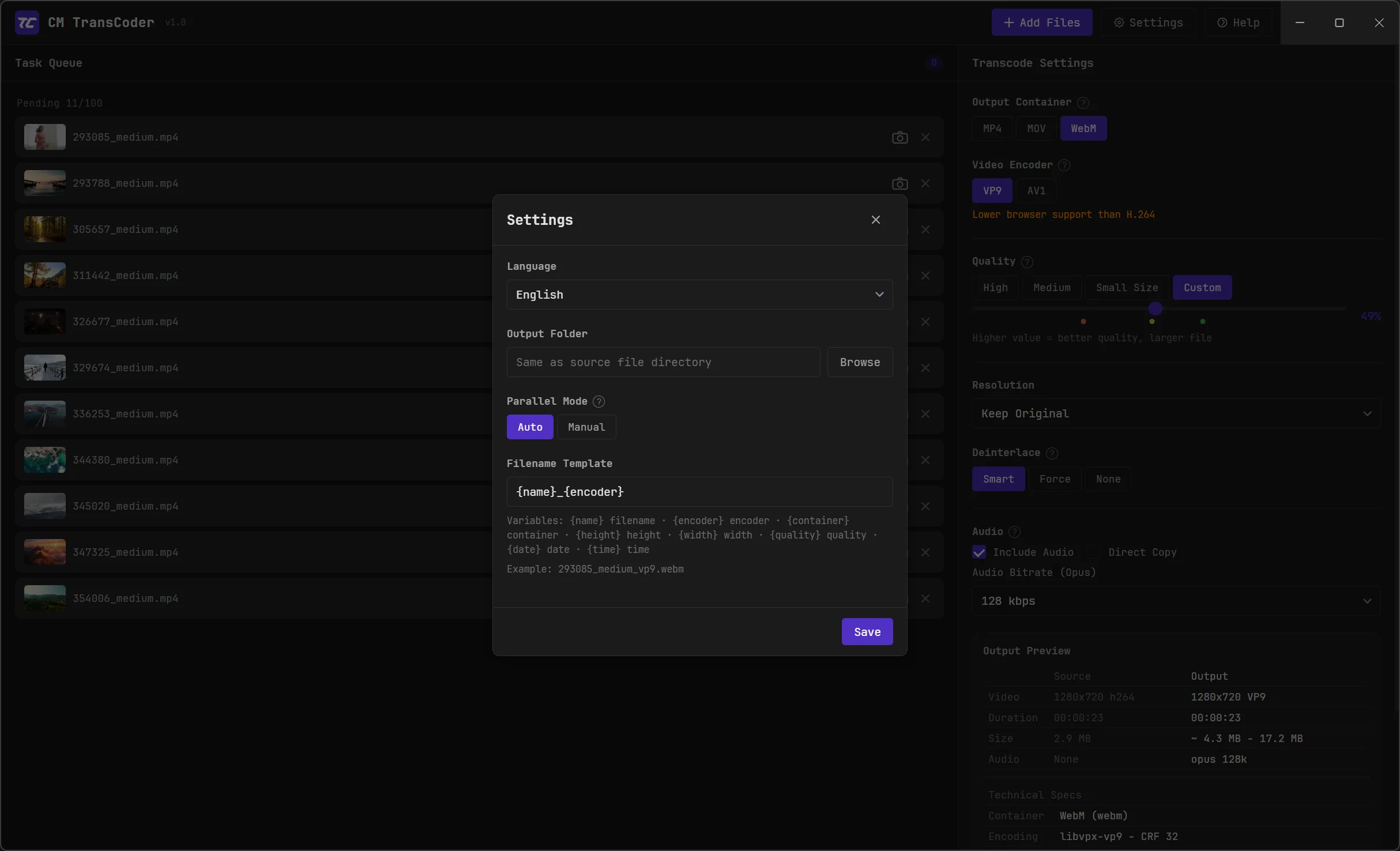
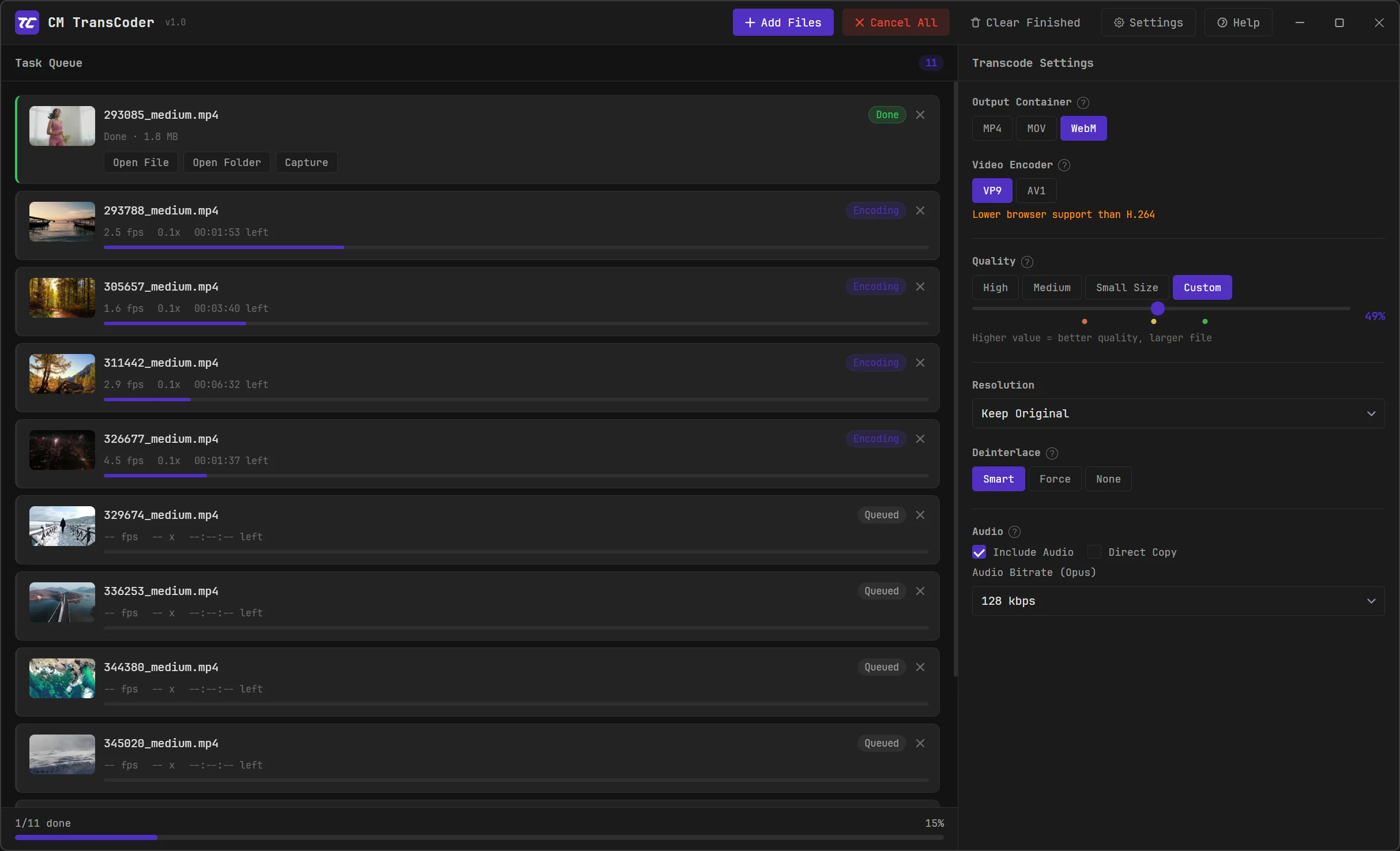
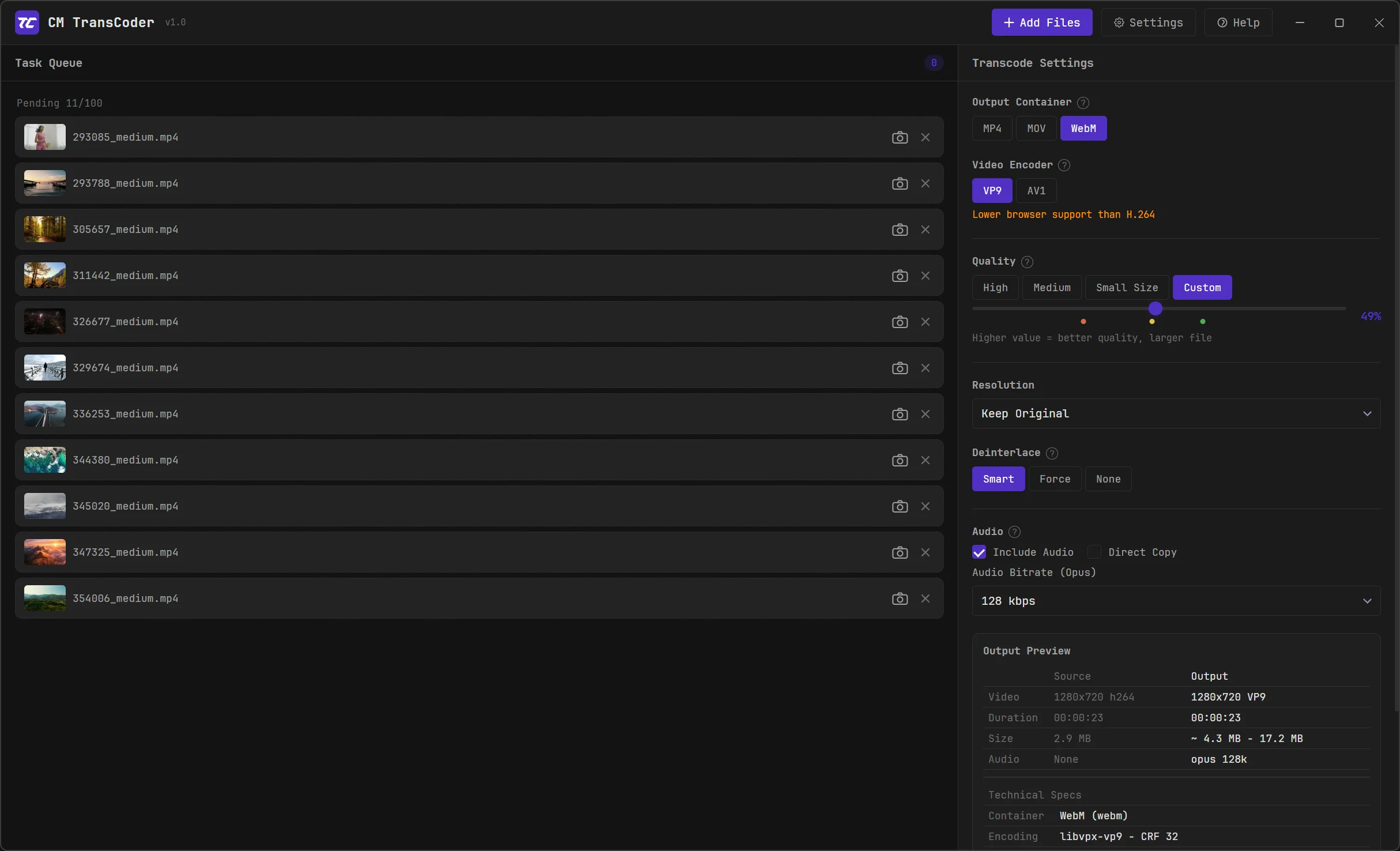
Supports drag-and-drop, up to 100 files per batch. Smart parallel scheduling, automatically allocates tasks based on CPU core count, with manual parallel number setting. Global progress monitoring, auto-notification on batch completion.

Precise Quality Control

CRF constant quality mode with high quality, medium, and small file size presets, plus custom slider for precise adjustment. 0-100% normalized percentage hides CRF differences across encoders, intuitive and easy to use.

Smart Resolution Adjustment

Provides presets from 2160p to 480p, plus custom width/height. Lock aspect ratio button maintains original video proportions, non-standard ratios auto-scale with letterboxing to ensure the full frame is displayed.

Deinterlacing

Smart mode judges frame-by-frame, only deinterlaces interlaced frames, ensuring progressive output, resolving playback issues in Safari and other browsers. Supports forced deinterlacing and passthrough modes.

Filename template system with variable customization
Video frame extraction, supports PNG/WebP/JPG export
Audio control: include/exclude audio, direct copy, bitrate adjustment
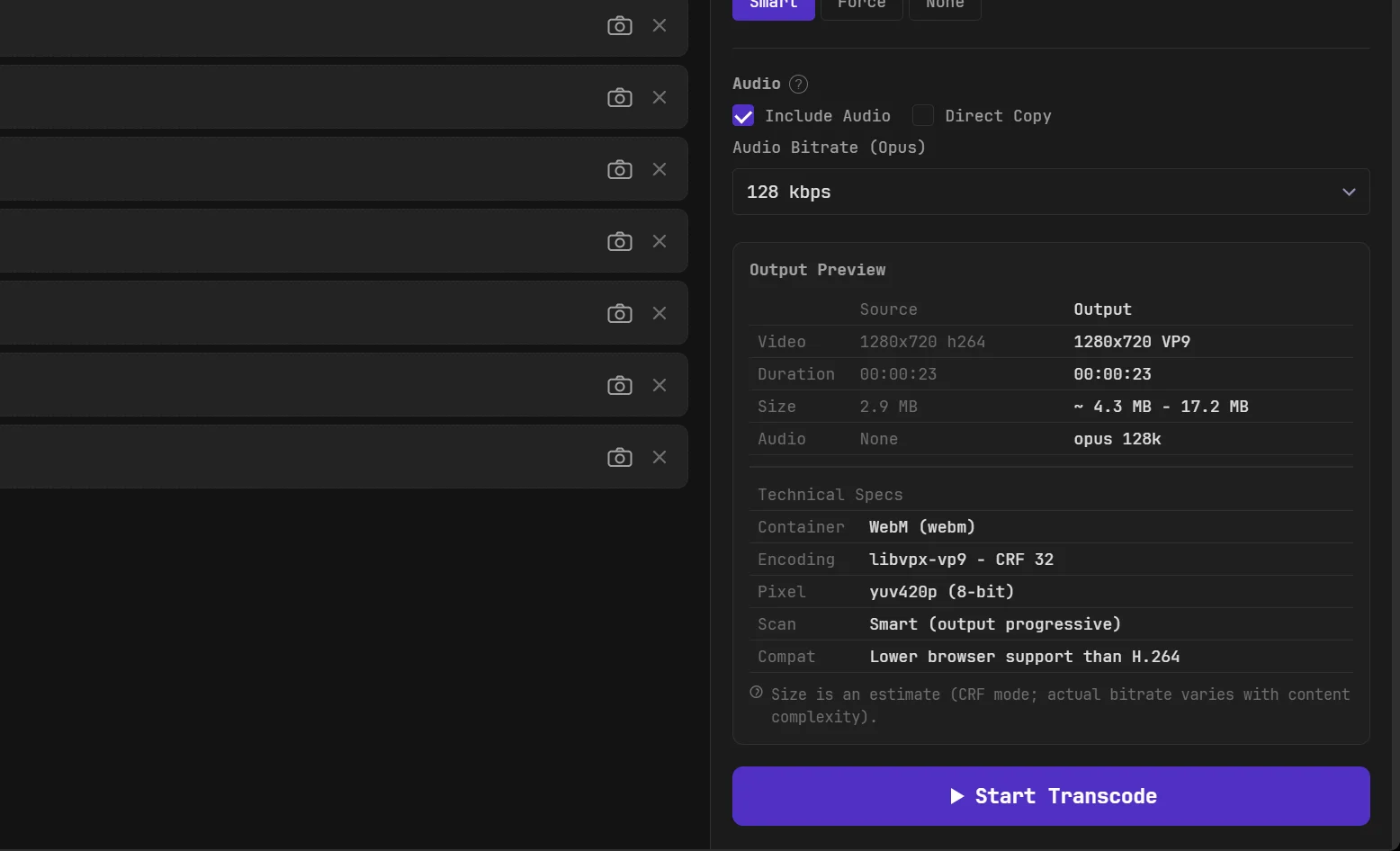
Output preview: compare source and output technical specs before transcoding
Fully local processing, no data collection or upload
English, Chinese, Japanese, Korean interface with auto language detection

Screenshots

Dark theme design inspired by DaVinci Resolve, focused on creativity without eye strain
Formats & Encoding

Covering mainstream video encoding and container formats

Input Formats

MP4 MOV MKV

Output Containers

MP4 MOV WebM

Video Encoding

H.264 H.265 VP9 AV1

Audio Encoding

AAC Opus

Hardware Acceleration

NVENC QSV AMF

Download

Free to use, continuously updated

CM Video Transcoder

Windows 10/11 (64-bit)

Download from GitHub
Download from GitHub Releases
Built-in FFmpeg, no additional environment configuration needed
Windows may show "Unknown Publisher" warning. Click "More info → Run anyway" - the software is fully local with no data upload.

Open Source

Free to use, modify, and distribute under GPL-3.0

CM Video Transcoder is released under the GNU GPL-3.0 license. You are free to use, modify, and distribute it, but derivative works must also be open-sourced under GPL. The transcoding engine is FFmpeg (GPLv3), copyright belongs to FFmpeg developers.